.svg)
MDTool is a free, browser-based Markdown converter. Conversion runs client-side: files aren’t uploaded to a server and no account is required.
MDTool converts Markdown to PDF (selectable vector text, four themes, A4 or Letter, rendered Mermaid diagrams), to Word .docx files that use Word’s built-in Heading 1–6 styles (so the Navigation pane and automatic table of contents work), and to HTML. It also converts Word documents and HTML back to Markdown, and includes a visual Markdown table generator.
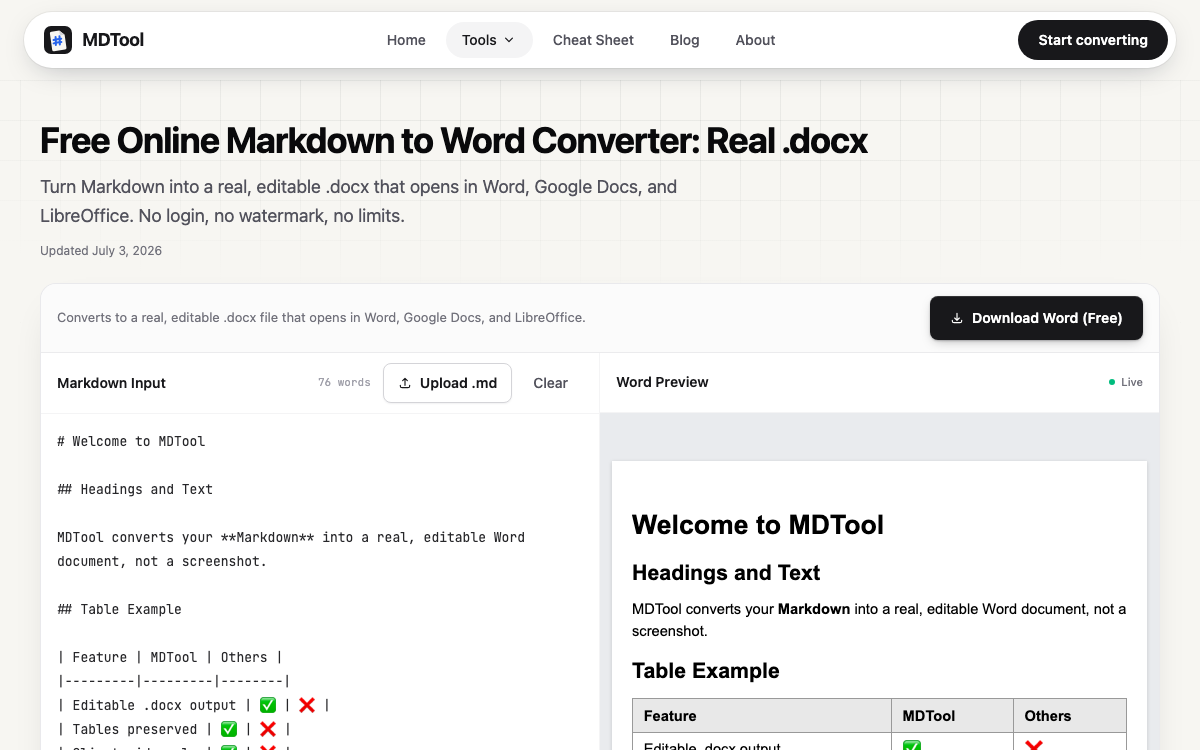
MDTool uses marked with GitHub Flavored Markdown enabled, highlight.js for code, and Mermaid for diagrams.
MDTool provides support for the following Markdown elements.
| Element | Support | Notes |
|---|---|---|
| Headings | Yes | |
| Paragraphs | Yes | |
| Line Breaks | Yes | A single newline is rendered as a line break (GitHub comment style). |
| Bold | Yes | |
| Italic | Yes | |
| Blockquotes | Yes | |
| Ordered Lists | Yes | |
| Unordered Lists | Yes | |
| Code | Yes | |
| Horizontal Rules | Yes | |
| Links | Yes | |
| Images | Yes | |
| Tables | Yes | |
| Fenced Code Blocks | Yes | |
| Syntax Highlighting | Yes | |
| Footnotes | No | |
| Heading IDs | No | |
| Definition Lists | No | |
| Strikethrough | Yes | |
| Task Lists | Yes | |
| Emoji (copy and paste) | Yes | |
| Emoji (shortcodes) | No | |
| Highlight | No | |
| Subscript | No | |
| Superscript | No | |
| Automatic URL Linking | Yes | |
| Disabling Automatic URL Linking | Yes | |
| HTML | Partial | HTML renders in the preview and HTML export. PDF and Word exports convert supported elements only. |
Learn Markdown in 60 pages. Designed for both novices and experts, The Markdown Guide book is a comprehensive reference that has everything you need to get started and master Markdown syntax.
Get the Book